
Fast answer
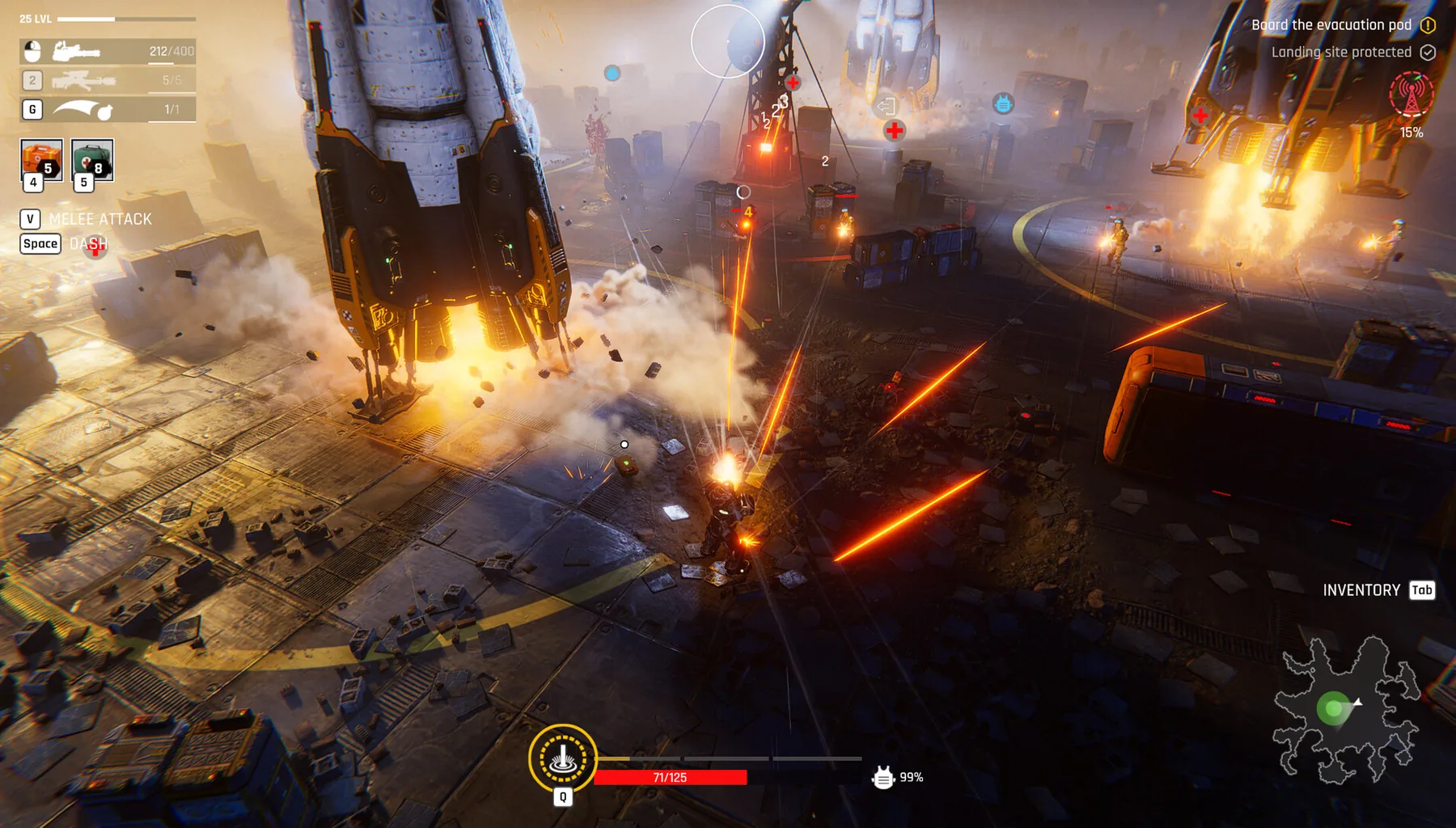
Choose a specific raid objective, verify the fighter and loadout, then watch the mission’s actual extraction requirement. Demo gameplay shows enemies can surround you and routes can close. Prioritize survival, cover and a valid exit over unnecessary fights.
Before the sortie
The official demo contains five raids and supports solo or up to four-player co-op. The tactical details vary by zone, so make preparation concrete rather than pretending that one universal route or exact map coordinate applies.
- Select a fighter and inspect the equipped weapon.
- Check ammunition and whatever medical options the current loadout offers.
- Read the mission objective before entering.
- Choose a purpose for the loot so you can retreat once it is met.
Survive the encounter
The supplied playthrough documents a stealth knockout prompt, a point where high ground blocked some enemies, and doors that appeared to lock the player in. Those are observations from one demo session, not universal exploit rules.
- Use cover and keep an escape lane when possible.
- Check enemy facing before attempting a silent knockout.
- Treat an automatically closing door as a commitment until the current level proves otherwise.
- If a route collapses, focus on the displayed objective and the next safe opening.
Extraction is a condition, not a location guess
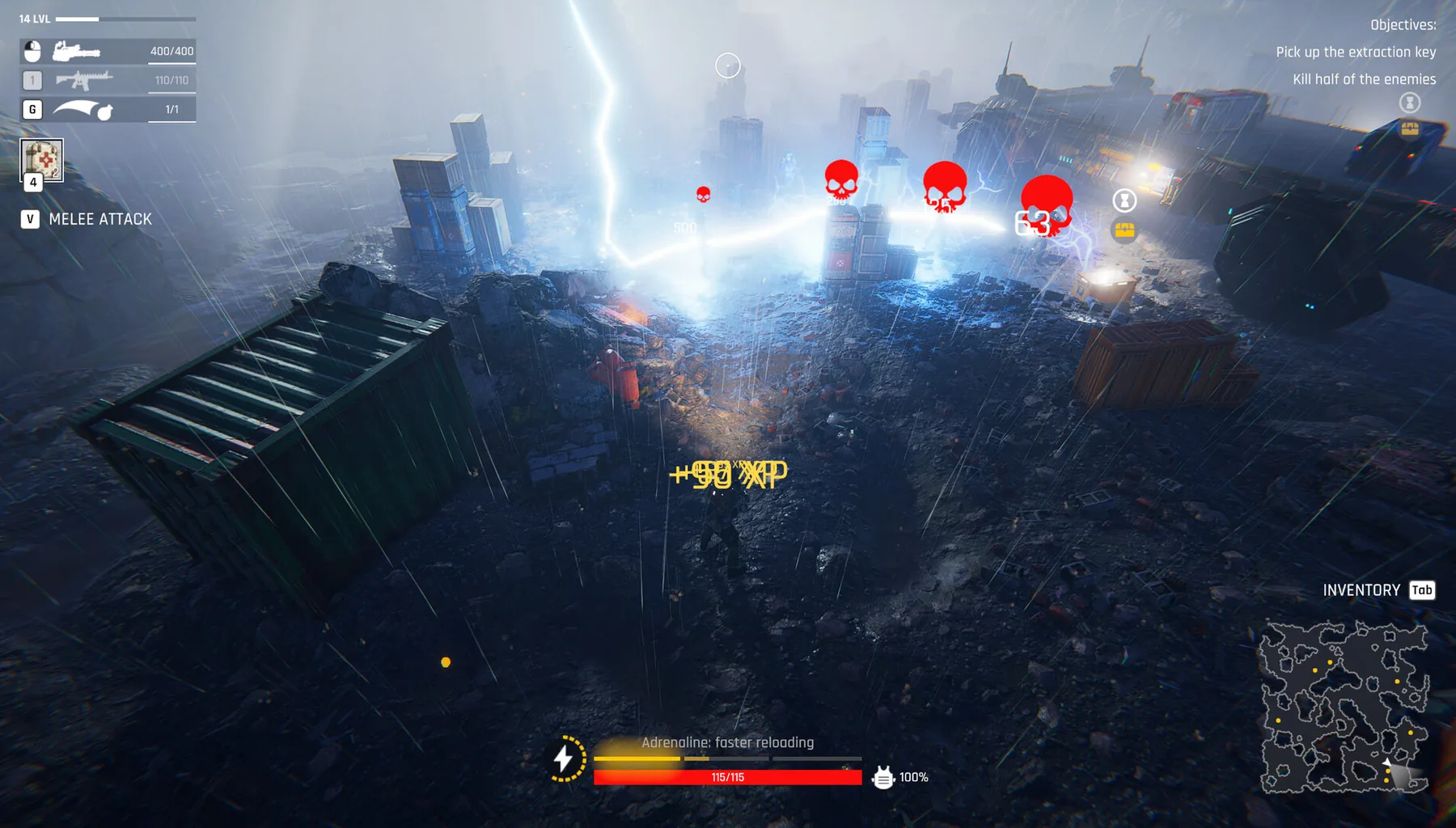
The objective panel is more reliable than a fabricated map. Some runs can involve enemy-count objectives while new opponents continue to spawn; read the mission instruction and test the exit prompt before assuming that every remaining enemy must be killed.
- Open the mission tracker and identify the exact completion requirement.
- Avoid optional detours after carrying resources you need.
- Confirm the escape prompt or extraction trigger in the active build.
- If extraction is unavailable, re-read the objective rather than chasing a made-up coordinate.
See the actual demo in action
Raid gameplay · DaOpa · footage sourced from a publicly available creator video. The video is embedded from YouTube rather than copied into this site.
Official screenshots and source material
For exact menu positions, current item statistics and real in-game appearance, use the developer's official media and game footage. These links open the original material; community artwork is not republished here without permission.