
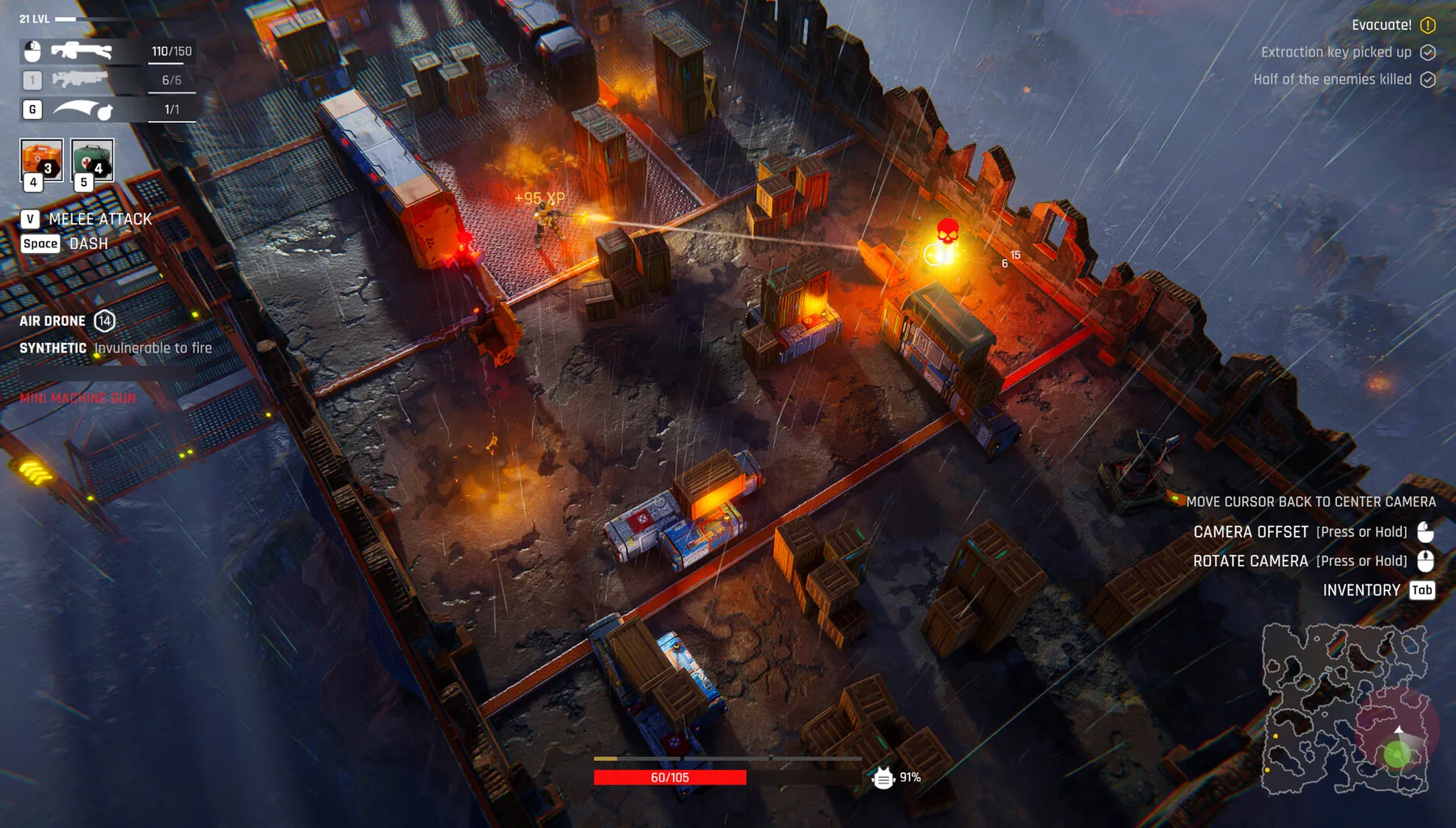
Fast answer
The base lets you recruit fighters with traits and prepare different loadouts. A September demo update says squadmates became distinct characters. Treat each recruit as a combat or staffing decision: check the live trait description, your available gear and the vacancy you need to fill.
What a new fighter actually adds
The developer’s September 5 update states squadmates now have unique identity and personality. The official demo description says recruitment and traits feed base progression. Older videos may show generic character models or older names; do not write their stats into a current class ranking.
- Open the candidate card and read the present trait.
- Check who is already assigned to critical rooms.
- Reserve a usable combat option in case your preferred fighter is injured.
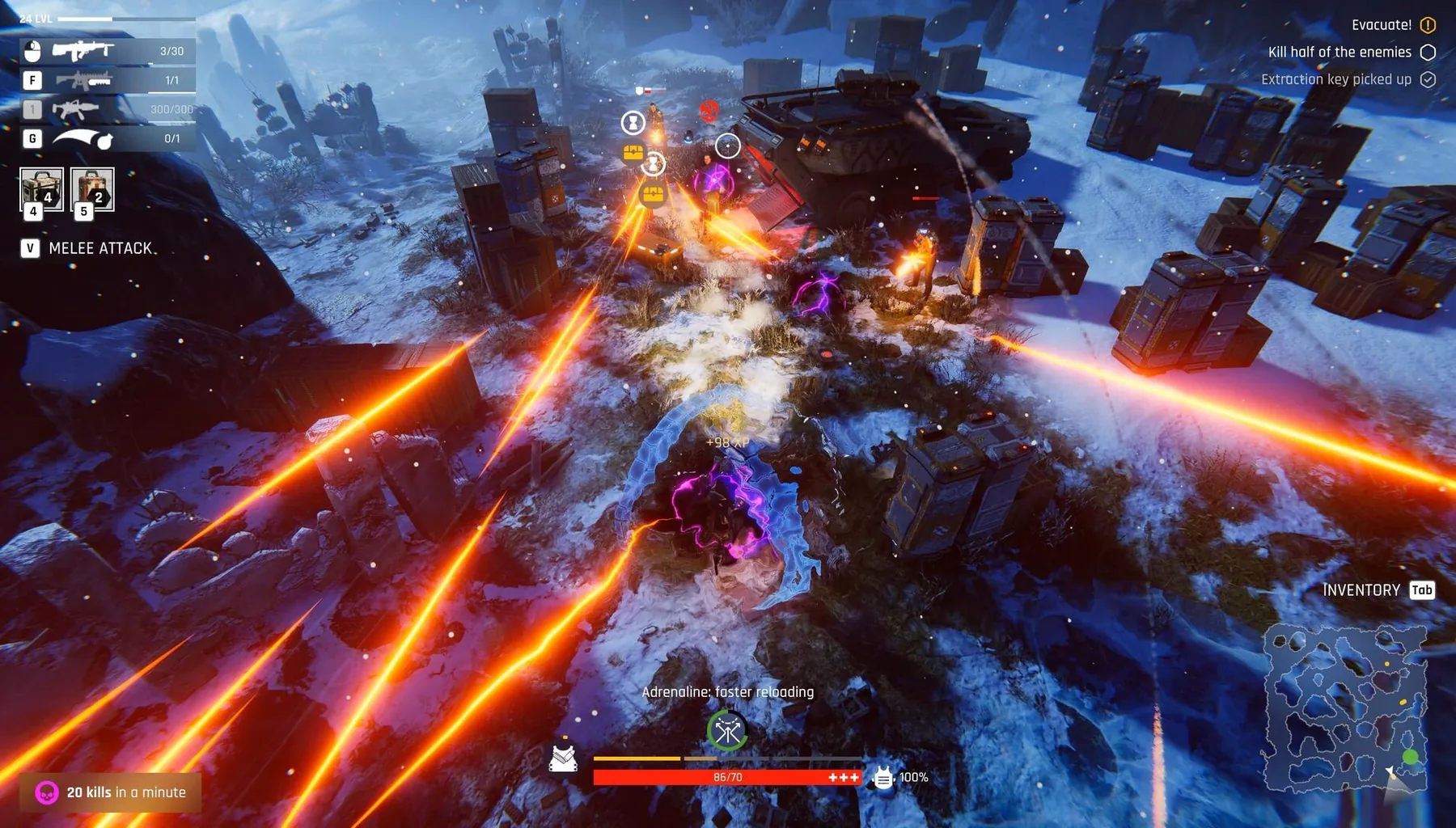
Combat roster versus base staff
Workshop crafting and clinic recovery are tied to base systems; a recruit can contribute outside combat, but the precise staffing bonuses depend on the current build. Do not transfer a worker blindly if that disables the action you planned.
- Check which room currently needs staff.
- Compare the recruit’s visible trait with your immediate bottleneck.
- Review the team’s equipped fighters before launching a raid.
When roster capacity feels too small
Look for the barracks and recruitment UI before searching for invented character locations. The demo footage includes barracks-related upgrades and recruiting questions but does not establish a complete list of candidate spawn conditions.
- Inspect current recruitment access.
- Review barracks requirements and power.
- Avoid claiming a universal recruit location unless verified for the active version.
See the actual demo in action
Demo walkthrough · DaOpa · footage sourced from a publicly available creator video. The video is embedded from YouTube rather than copied into this site.
Official screenshots and source material
For exact menu positions, current item statistics and real in-game appearance, use the developer's official media and game footage. These links open the original material; community artwork is not republished here without permission.