
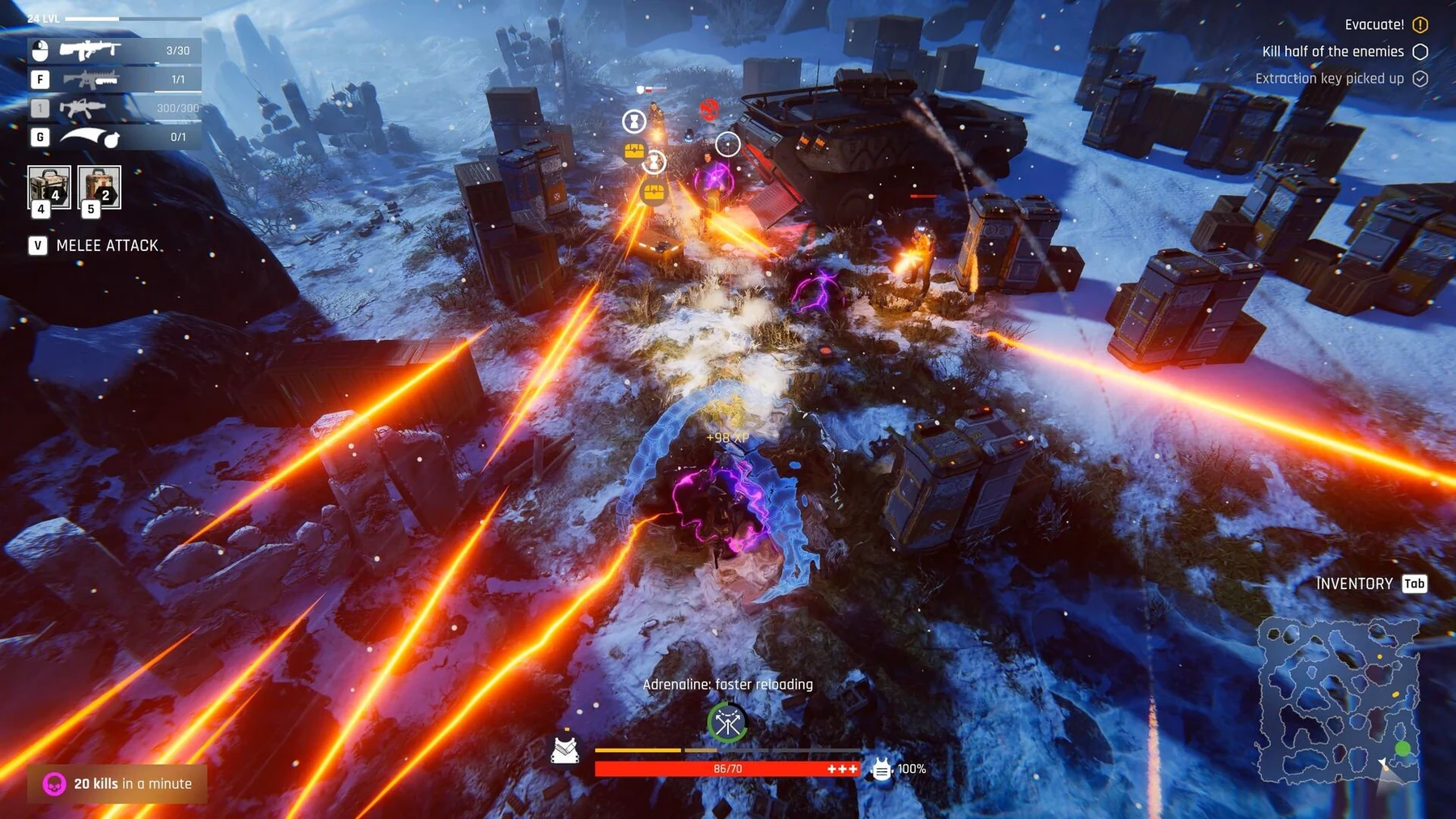
Fast answer
Open a fallen character’s menu for the revival button, or inspect the Clinic’s recovery actions and their requirements. A Clinic patient cannot serve as their own doctor. Resurrection takes one day after 0.0.0.777; review the roster and equip supplies from Storage before sending a recovered fighter back out.
Start with the fallen character menu
Update 0.0.0.833 added a revival button to the fallen character menu and a base hint about reviving fighters. Clinic action buttons also became more informative. Use those controls to read the selected character’s available recovery action, cost and requirements.
- Select the fallen fighter from the roster.
- Open the revival button and read the available action.
- Check Clinic staff and any displayed item or system requirement.
- Confirm the recovery plan before committing supplies.
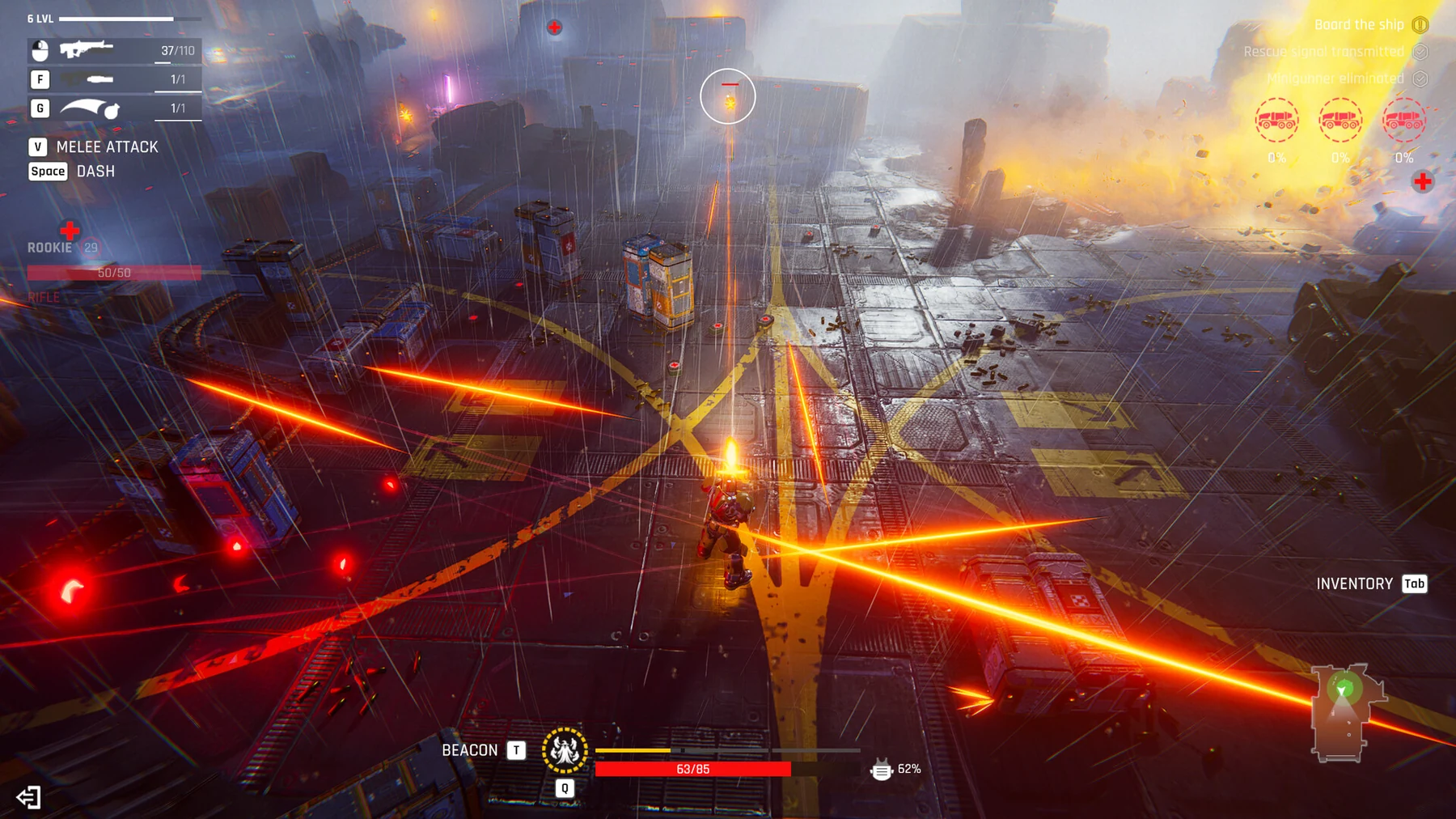
Why the doctor assignment is refused
Since 0.0.0.850, a patient cannot be assigned as their own doctor. Select a different available character for the Clinic job. If the action is still blocked, read its current staffing, resource and upgrade requirements instead of repeatedly selecting the patient.
- Identify which character is the patient.
- Assign a different eligible doctor.
- Re-check the recovery action after the staff change.
- Keep another fighter ready while treatment or revival is pending.
Clinic changes in 0.0.0.777 and 0.0.0.774
Two updates touched the recovery loop. Resurrection time at the Clinic is now one day (0.0.0.777), which makes a lost fighter much cheaper to bring back inside a single session. Update 0.0.0.774 also made extracting life remnants at the Clinic grant Food in addition to Necromatter, so a recovery trip now doubles as a supply run.
- Plan revivals around a one-day timer rather than a multi-day absence.
- Extract life remnants while you are at the Clinic: they now return Food as well as Necromatter.
- Read the revival action’s current staffing, cost and item requirements.
Corpse absorption and the October recovery changes
Health is now restored by absorbing corpses instead of collecting the mini-medkits enemies used to drop (October 15 Major Update). The life extraction confirmation window now shows the Necromatter you will receive, including the staff bonus, so you can read the payout before confirming (0.0.0.787, September 30). That patch also fixed temporary modifiers getting stuck on a character when a raid ended before they expired.
- Plan healing around downed enemies rather than dropped medkits.
- Read the extraction confirmation window before confirming a life extraction.
- If a status effect looked stuck after an earlier raid, update and re-check it.
Return a recovered fighter with a complete loadout
The equipment selector marks items owned by dead characters with a red skull. Newly obtained items arrive in Storage, even if you expected them to top up another fighter’s equipped stack. Check ownership, equipment and consumables after recovery rather than treating a revival as a full resupply.
- Review the recovered character’s weapon and armor.
- Equip new supplies from Storage.
- Check the next raid’s objective and likely pressure.
- Choose a recovery day if the available squad is still unready.
Co-op revival and the Death Deferral overlay
Update 0.0.0.850 fixes the bloody Death Deferral overlay remaining after a downed co-op player is revived. The party panel also shows names, health and armor, so use those values to assess the team after a revive.
- Read the revived ally’s health and armor in the party panel.
- Give the team time to regroup before the next encounter.
- Update the game if you are comparing against an older stuck-overlay recording.
- Keep combat revives separate from the Clinic’s between-raid roster recovery.
Demo gameplay
Clinic / reanimation · DaOpa · demo version
Patch notes and gameplay
Follow the current patch notes for changed rules and the Steam listings for the full game and demo.