
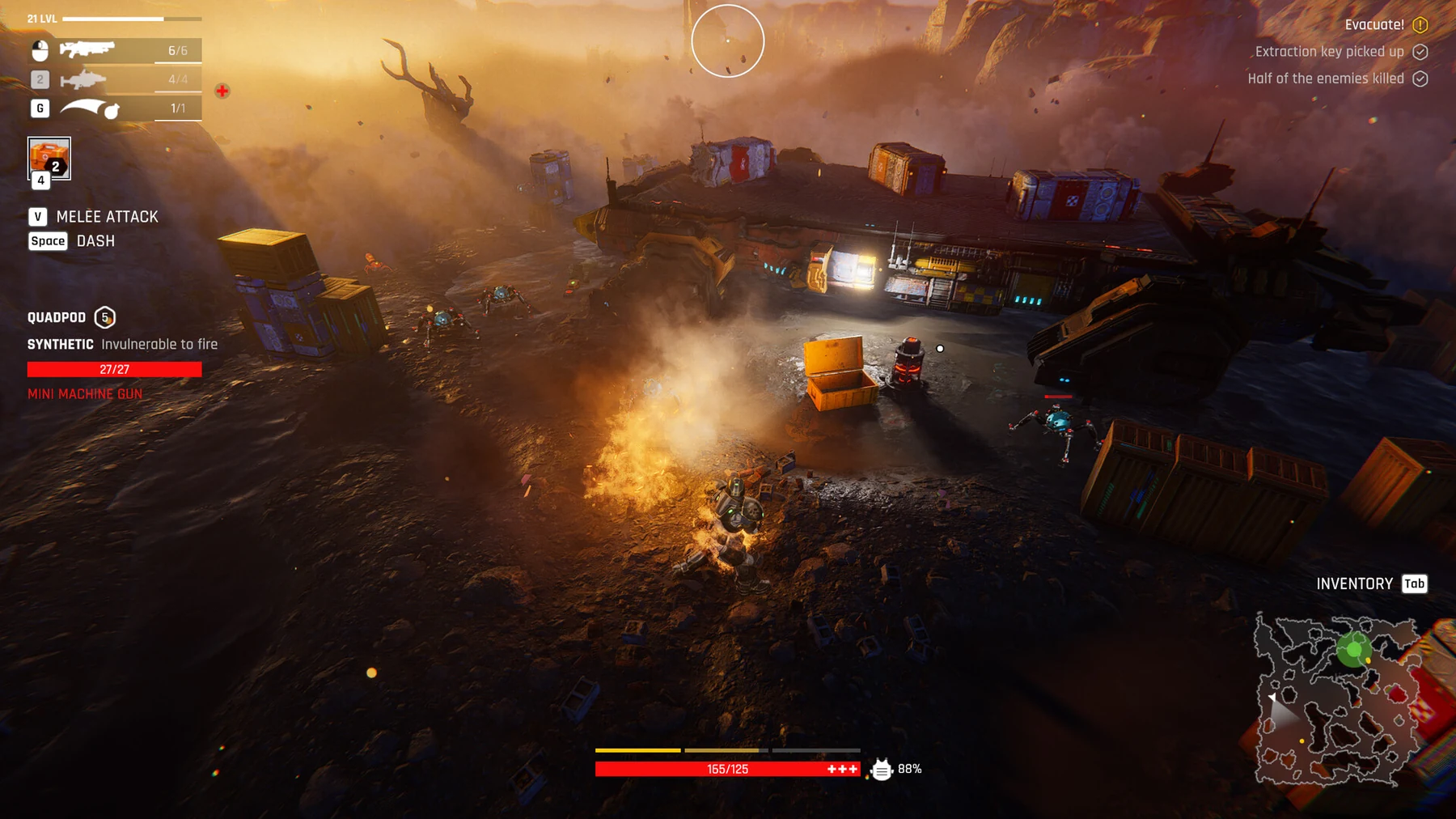
Fast answer
Before your next raid, open Storage, equip a living fighter and read the raid card’s reward tooltip. New purchases, crafted items and pickups now arrive in Storage. Bring back the credits, materials or parts that solve your next base problem, then review food, injuries and equipment before advancing the day.
Prepare a fighter before starting a raid
A usable loadout comes before an ambitious route. Since 0.0.0.858, newly acquired items go into Storage instead of joining stacks equipped by other characters. A purchase or completed craft therefore does not mean your chosen fighter has received it. The equipment menu marks items belonging to dead characters with a red skull.
- Open Storage after buying, crafting or collecting equipment.
- Select a living fighter and equip the weapon and supplies you intend to use.
- Check red-skull ownership markers before relying on another fighter’s gear.
- Read the active objective and exit requirement before entering.
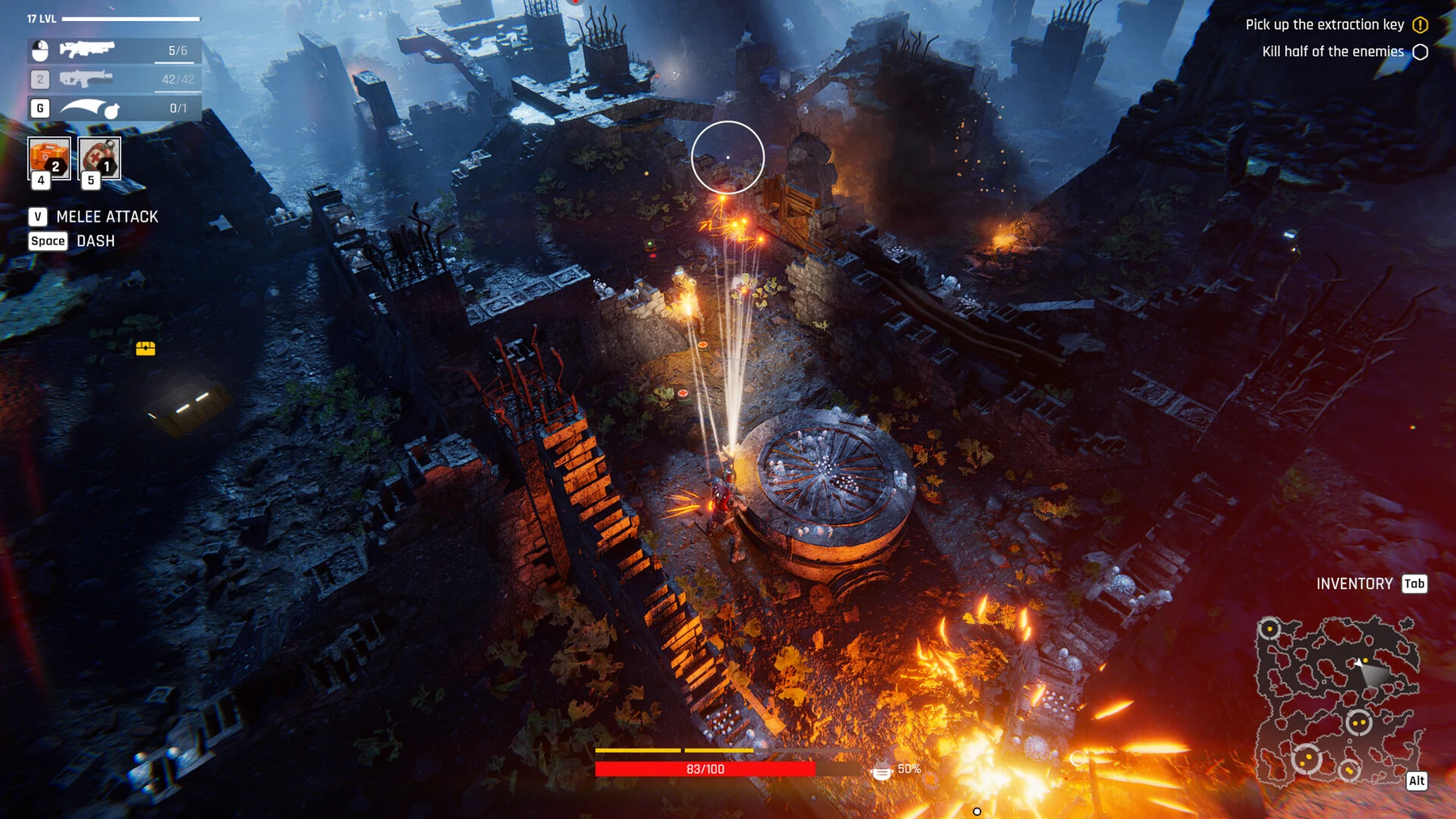
Choose a raid that pays for the next problem
The 33-day campaign combines raids with base management. A room can be blocked by power, materials or staffing; each needs a different solution. In 0.0.0.858, guaranteed raid rewards use themed loot rather than standard kits. The raid card tooltip tells you what each reward contains.
- Name one immediate need: credits, materials, parts, food or recovery.
- Inspect the raid tooltip instead of judging the reward by its name.
- Keep an escape lane and prioritize the mission requirement.
- Return when the objective and exit permit, rather than adding unnecessary fights.
On return: Storage, Kitchen, Clinic
Review the whole squad before the next outing. Food recipes now display their output with bonuses included; improved recipes replace their older versions in the Kitchen list. In the Clinic, a patient cannot also be assigned as their own doctor. A fallen fighter has a revival button in their character menu, alongside the Clinic’s recovery actions.
- Equip newly acquired supplies from Storage.
- Read the Kitchen’s displayed food output and cooking time.
- Open the fallen character’s revival option and read the Clinic action requirements.
- Assign a different available doctor to the patient.
When to keep a day free of raids
The Day Off Kitchen skill gives bonus food for a day without a raid. That can make a recovery day useful, but it requires the skill: simply staying home does not grant that named bonus to every squad. Check the day news for the Day Off food and food saved by Kitchen skills.
- Check your staff’s actual skills before counting a Day Off bonus.
- Use a recovery day when the next raid would risk an unready squad.
- Compare food needs, room upgrades and the campaign day counter.
- Read the day news before planning the next sortie.
What the September updates changed in the opening
Two patches have already changed the first hour. Update 0.0.0.777 (September 21) stopped a new game from launching the prologue fight at the spaceport, so a fresh run now opens on calmer ground, and update 0.0.0.774 made that prologue fight skippable by holding Escape. The same patch also made the game resume from the previous day if it crashes mid-raid.
- Start a new run without expecting the spaceport fight: it no longer fires on launch.
- If you do reach the prologue fight, hold Escape to skip it once 0.0.0.774 or newer is installed.
- After a crash mid-raid, relaunch and check the day counter before re-planning the sortie.
Demo gameplay
Recent demo first look · Goovaxer Gaming · demo version
Patch notes and gameplay
Follow the current patch notes for changed rules and the Steam listings for the full game and demo.